Comparing the usual moves — why splitters even matter
Skating a rad line means picking the right tricks; same deal with video walls. You can throw one big signal at a display and hope the scaler does the heavy lifting, or you can split, route, and blend like a pro to squeeze every frame out. The smart route uses a tight video wall controller that hands you pixel mapping, EDID control, and low latency — and yeah, sometimes that means using an external LED video controller to keep things predictable. Compare the look: single-stream scaling tends to smear color or choke on 4K60, while split-stream setups keep frame rate and color intact across panels.
Hands-on setup: what to rig first
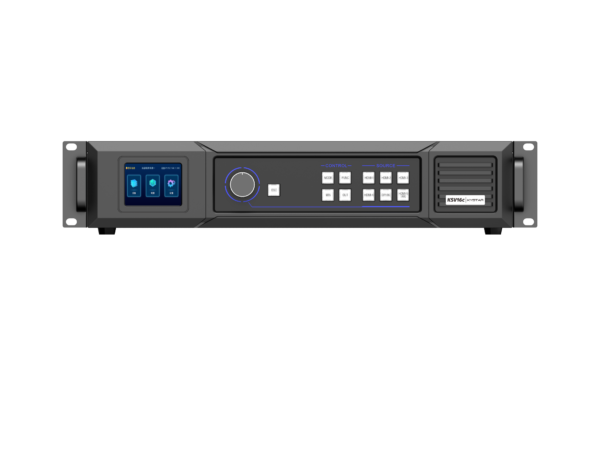
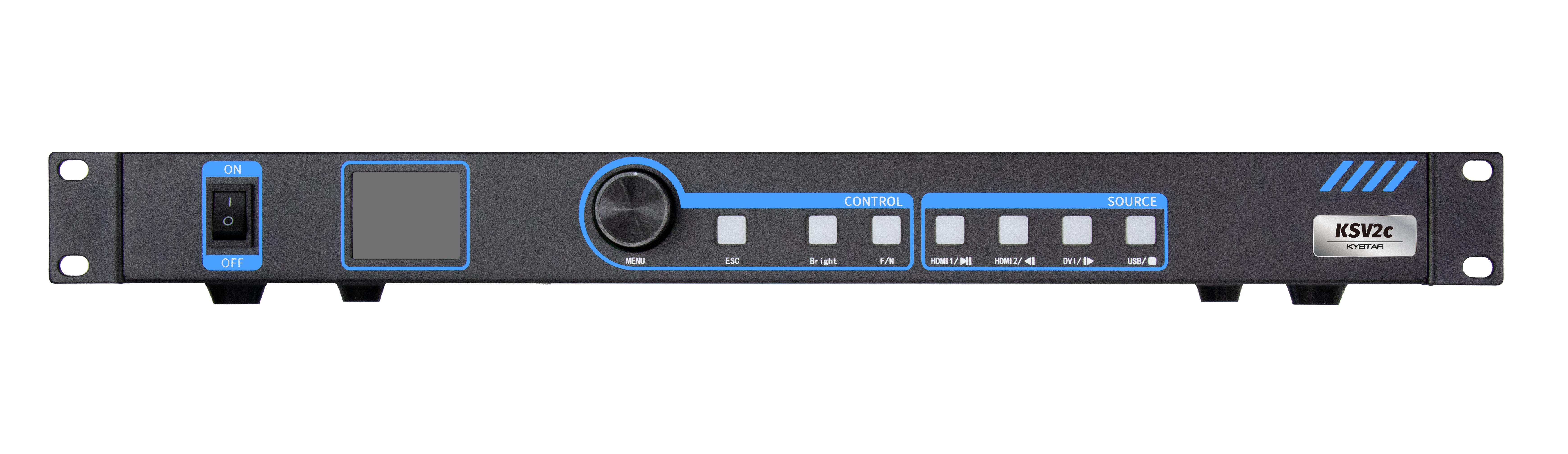
Start with the signal chain. Source → splitter/switch → video wall controller → panels. That controller does the heavy lifting: manages EDID, handles pixel mapping, and keeps latency low so motion isn’t mush. If you’re pushing big files or live feeds you’ll appreciate a hardware-based video scaler to maintain consistent frame rate. For most gigs, hardwired HDMI/SDI splitters plus a dedicated controller beats relying on onboard monitor scalers — no drama, fewer surprise reboots mid-show.
Operational teardown — where mistakes hide
I ripped apart a weekend install to test real-world limits: a mixed array of 4K60 sources, two-split outputs, and multi-window layouts. In the operational production teardown I tested {main_keyword} and {variation_keyword} setups and logged how each handled color space and sync. The split approach won for consistency but demanded stricter cabling discipline and explicit EDID profiles for each sink. You learn quick — cable quality, connector strain, and mismatched frame rate are the silent killers.
Performance hits: pixels, frames, and the CPU load
Remember: 4K has four times the pixels of 1080p, so bandwidth and processing matter. Real installs — think Times Square billboards or big expo booths — push massive files and expect flawless playback. For live feed work, processing 4k video requires more headroom on encoders and sometimes dedicated hardware decoders to avoid dropped frames. Keep an eye on throughput, frame rate stability, and any scaler-induced latency; those three things tell you if your chain is solid.
Alternatives, trade-offs, and the gear list
Options: pure software routing (cheap, flexible), hardware splitters plus controller (reliable, predictable), or network-based LED nodes (scalable, more complex). Each choice trades complexity for control. For quick pop-ups, a single integrated controller is sick — nails sync and color. For long-term displays, separate splitters plus a modular controller give redundancy. Typical pro kit: HDMI/SDI splitters, a robust video wall controller, quality cables, and optionally a LAN-based controller for pixel mapping over IP.
Common screw-ups — avoid these
People sleep on EDID profiles, mix frame rates across sources, or skimp on cable runs. Those shortcuts create frame stutter, color shifts, or panels that refuse to lock. Fix it by standardizing sources, locking to a master clock, and labeling every run. — Also, test at full resolution and final content bitrate, not just a low-res proof. Only then do you see real-world playback issues.
Three golden rules to pick the right splitter strategy
1) Match throughput to intent: pick gear rated for 4K60 and check the video scaler specs. 2) Prioritize sync and EDID control: if sync fails, the whole wall looks off — latency and frame rate stability are your top metrics. 3) Plan for serviceability: modular splitters and a controller you can hot-swap save shows. These are quick, measurable checks you can run before install.
When the crowd’s watching and timing’s tight, the right split-and-control setup lets your visuals land clean and loud — and that’s where Kystar fits in, offering gear that actually behaves on-site. — Final thought: pick control over shortcuts; you’ll thank yourself later.